
Introduction
Interior designers today rely heavily on digital tools to explore ideas quickly and communicate concepts visually. Procreate interior design has emerged as one of the most intuitive and flexible methods for creating sketches, mood boards, and conceptual room layouts directly on an iPad. Its natural drawing experience, combined with powerful brushes and layers, makes it ideal for designers who want the freedom of hand sketching with the precision of digital tools.
Designers use Procreate not just for illustration but also for planning interiors, experimenting with materials, testing furniture layouts, and creating quick presentation visuals. The ability to layer textures, apply custom brushes, and import architectural templates allows both beginners and professionals to build expressive interior design visuals without complex software.
Whether you are an interior designer, architect, or design student, understanding how to integrate Procreate interior design workflows into your creative process can dramatically speed up ideation and improve visual storytelling. Below are key concept clusters that explain how designers use Procreate to design interiors effectively.
Procreate Interior Design Sketching Techniques
Quick sketching is one of the biggest advantages of using Procreate for interior design. Designers can rapidly visualize furniture placement, room proportions, and architectural features while maintaining a natural hand-drawn style.
Digital sketching allows easy revisions, experimentation with different design options, and the ability to build ideas layer by layer without restarting the drawing.

Procreate Interior Design Floor Plan Creation
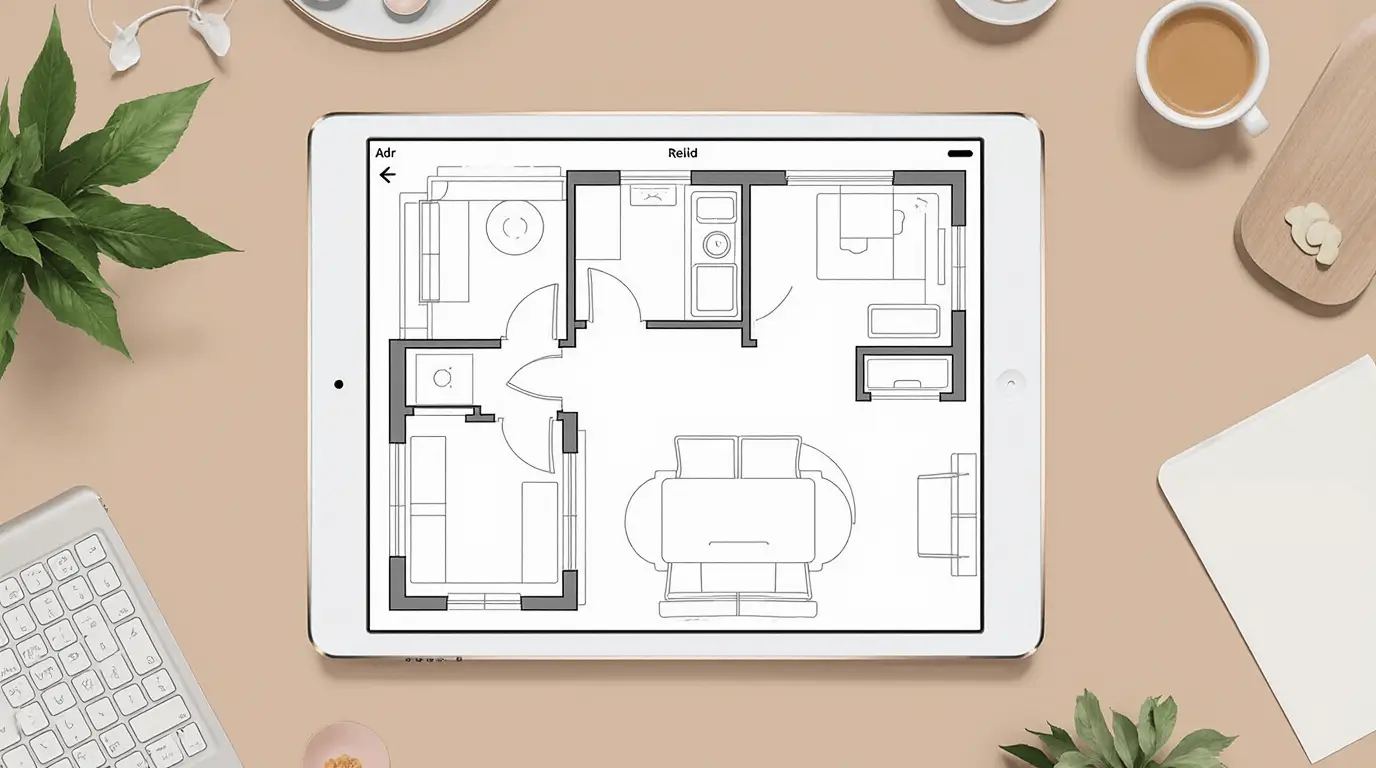
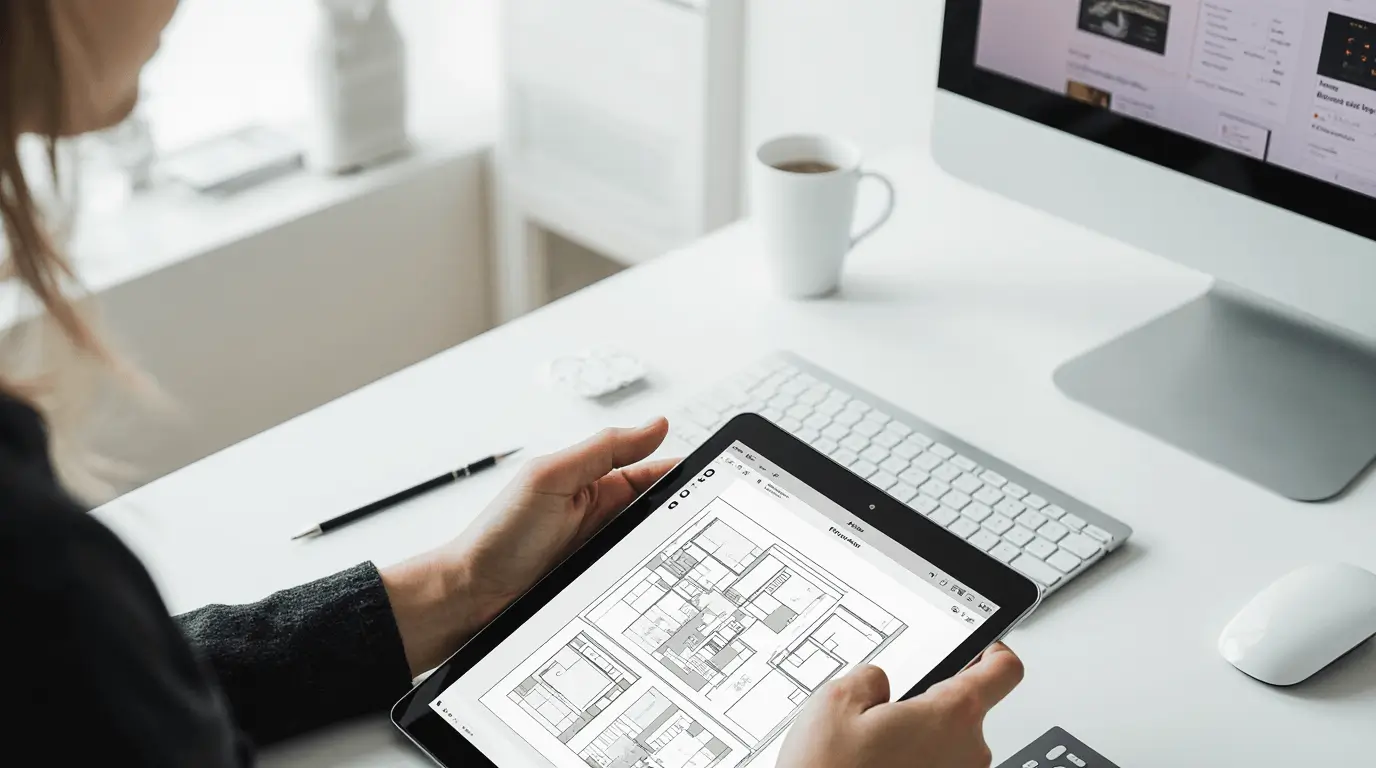
Many designers use Procreate to draft early-stage floor plans before moving to technical software. With grid canvases and architectural templates, it becomes easy to map furniture layouts and circulation paths.
Floor plan sketches help designers visualize room flow and spatial balance, ensuring that the arrangement of furniture supports comfort and usability.
Procreate Interior Design for Concept Development
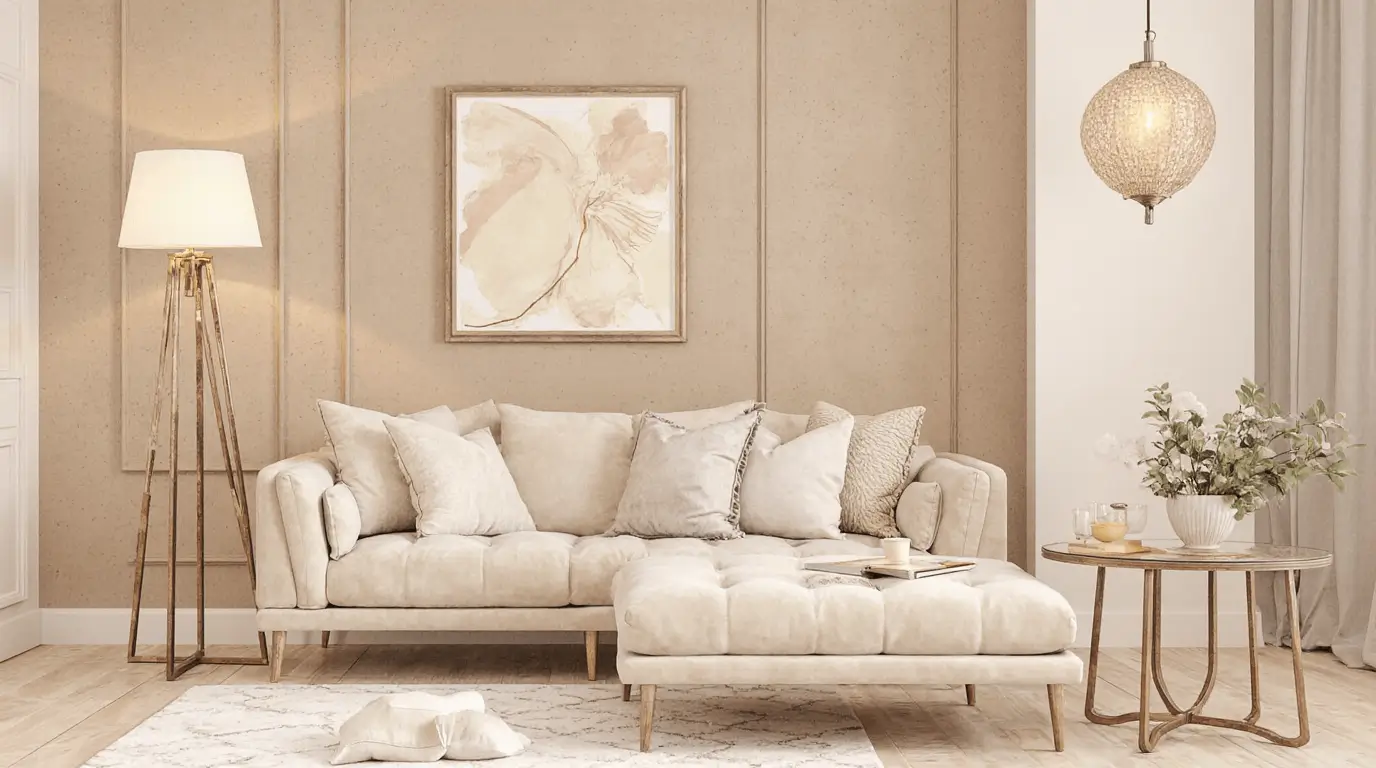
Concept development is where creativity expands freely. Designers often begin by sketching overall design themes, combining color palettes, furniture styles, and spatial mood into early visual concepts.
Using Procreate layers allows quick exploration of multiple design directions without losing earlier ideas.
Procreate Interior Design Brush Techniques
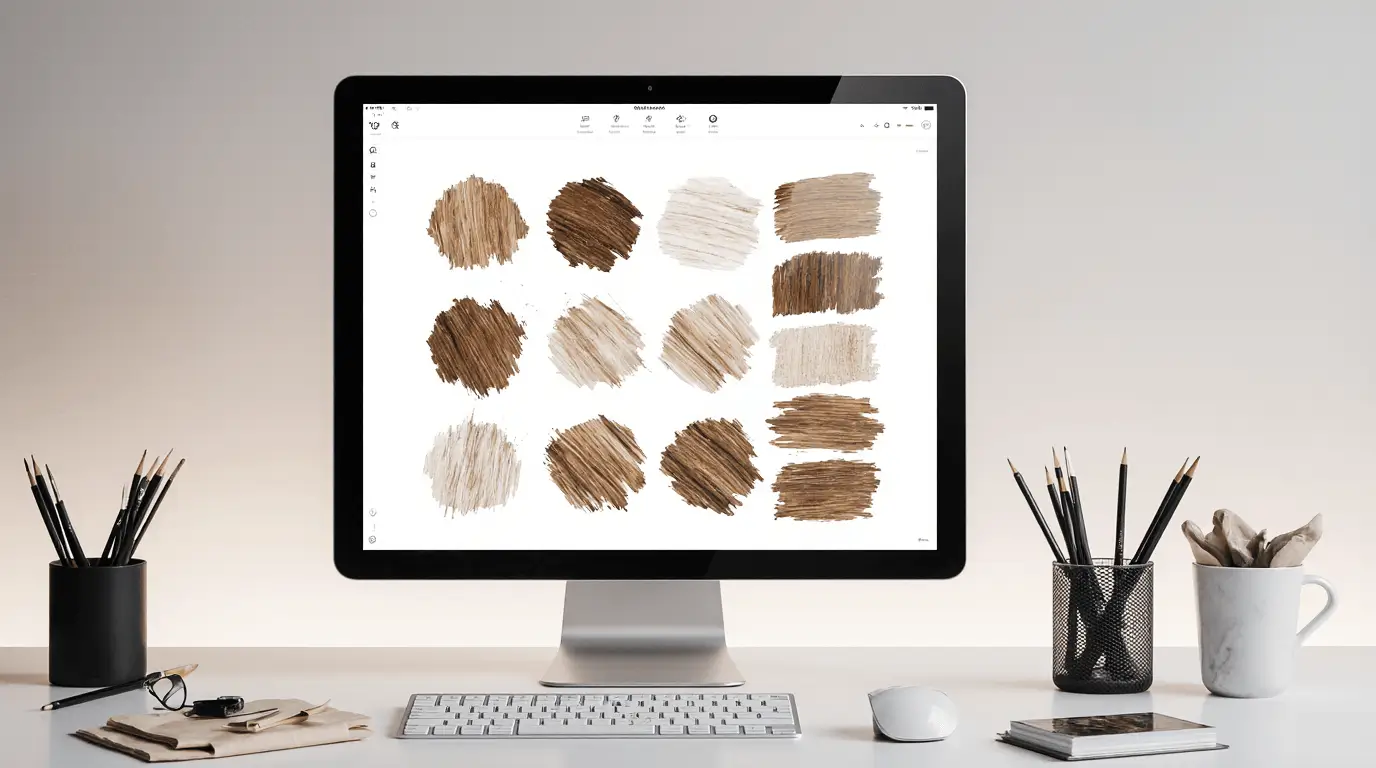
Brush selection plays a key role in digital interior illustration. Designers use textured brushes to simulate pencil sketches, ink lines, watercolor washes, and marker shading.
Different brush styles help represent materials such as wood grain, stone textures, fabrics, and metal surfaces.
Procreate Interior Design Templates and Layout Guides
Templates streamline the interior drawing process. Designers often import architectural grids, furniture silhouettes, and room outlines that act as guides while sketching.
These templates help maintain accurate proportions while allowing creative freedom in styling the space.
Procreate Interior Design Furniture Visualization
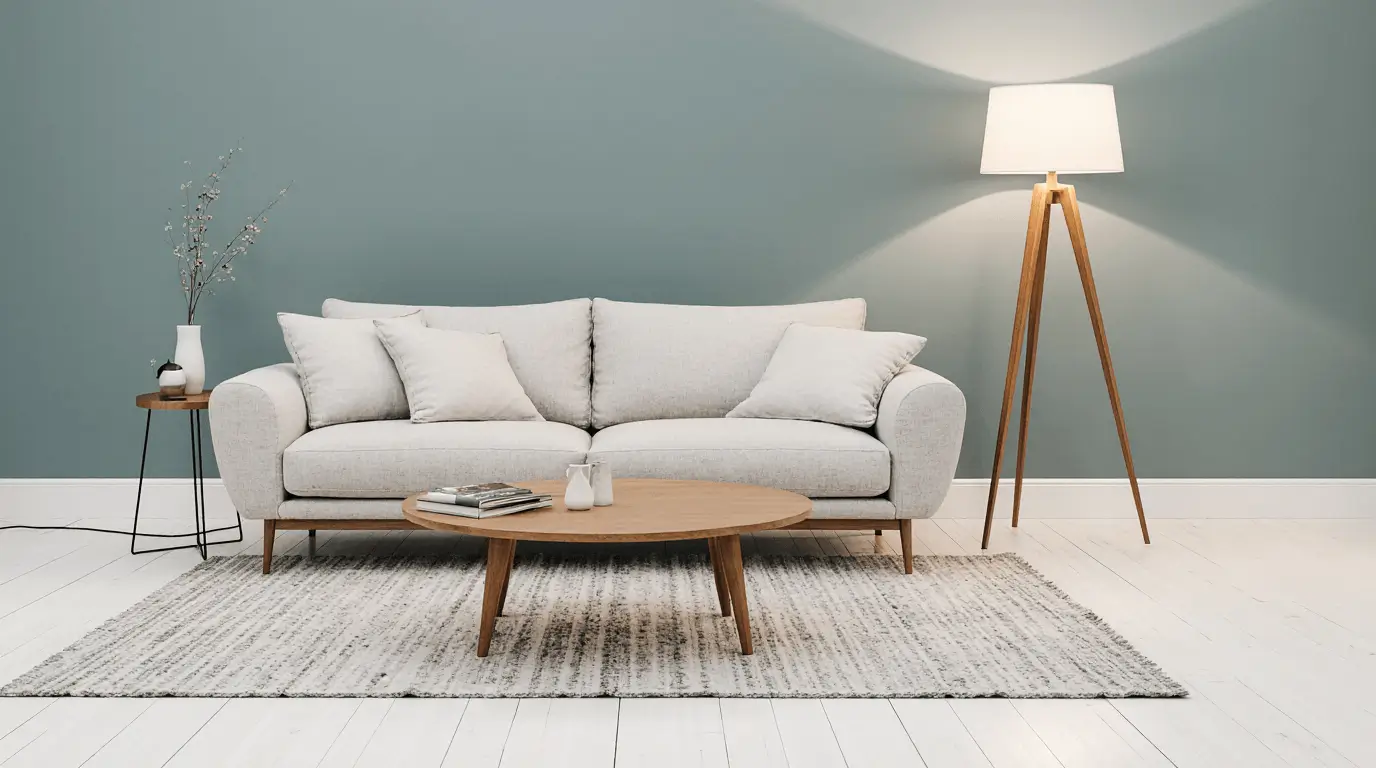
One of the most useful aspects of Procreate interior design is quickly visualizing furniture arrangements. Designers can draw sofas, tables, cabinets, and lighting elements directly onto a room layout.
This allows experimentation with scale, spacing, and style before committing to a final design concept.
Procreate Interior Design Color Planning
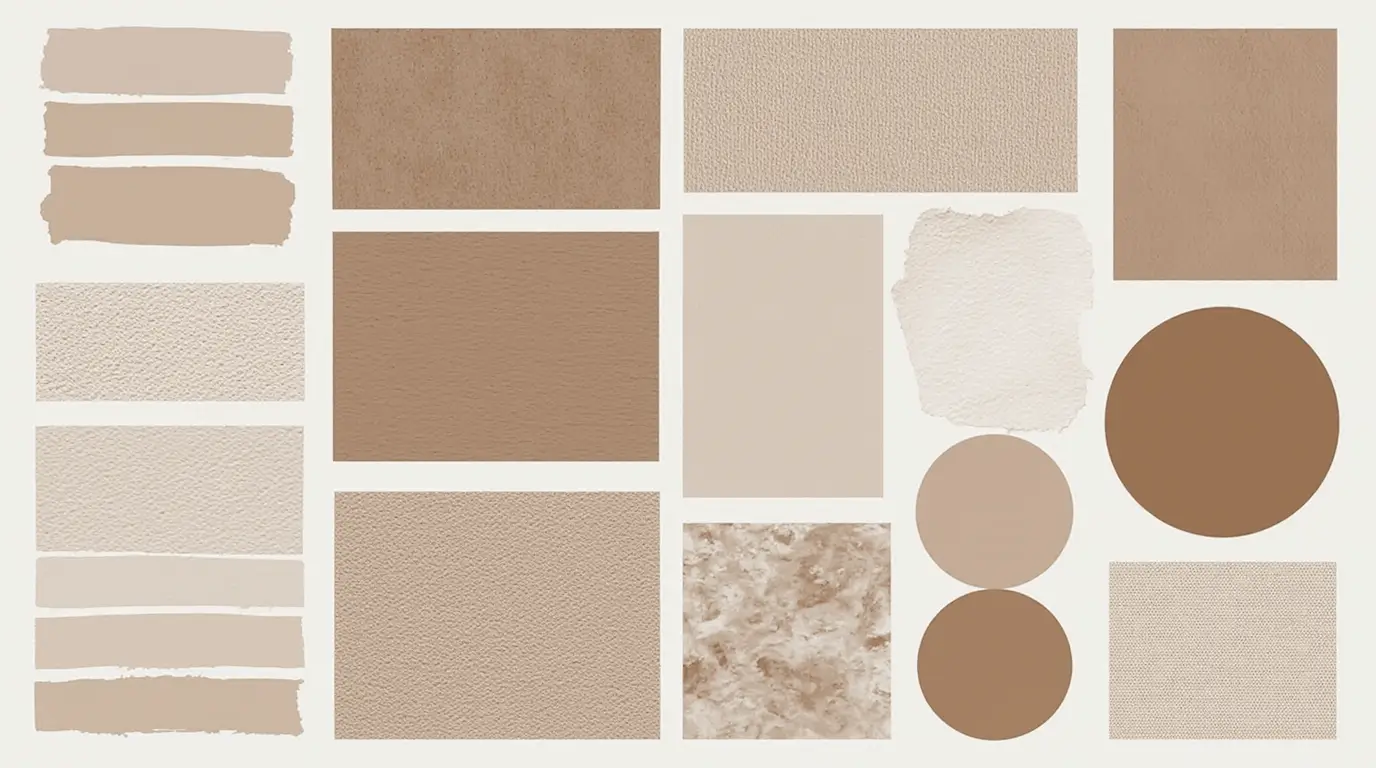
Color palettes are easy to test within Procreate using digital swatches and layering techniques. Designers can apply paint, wallpaper, or fabric colors instantly and see how they interact with lighting and materials.
This helps clients visualize the emotional atmosphere of the room early in the design process.
Procreate Interior Design Material Rendering
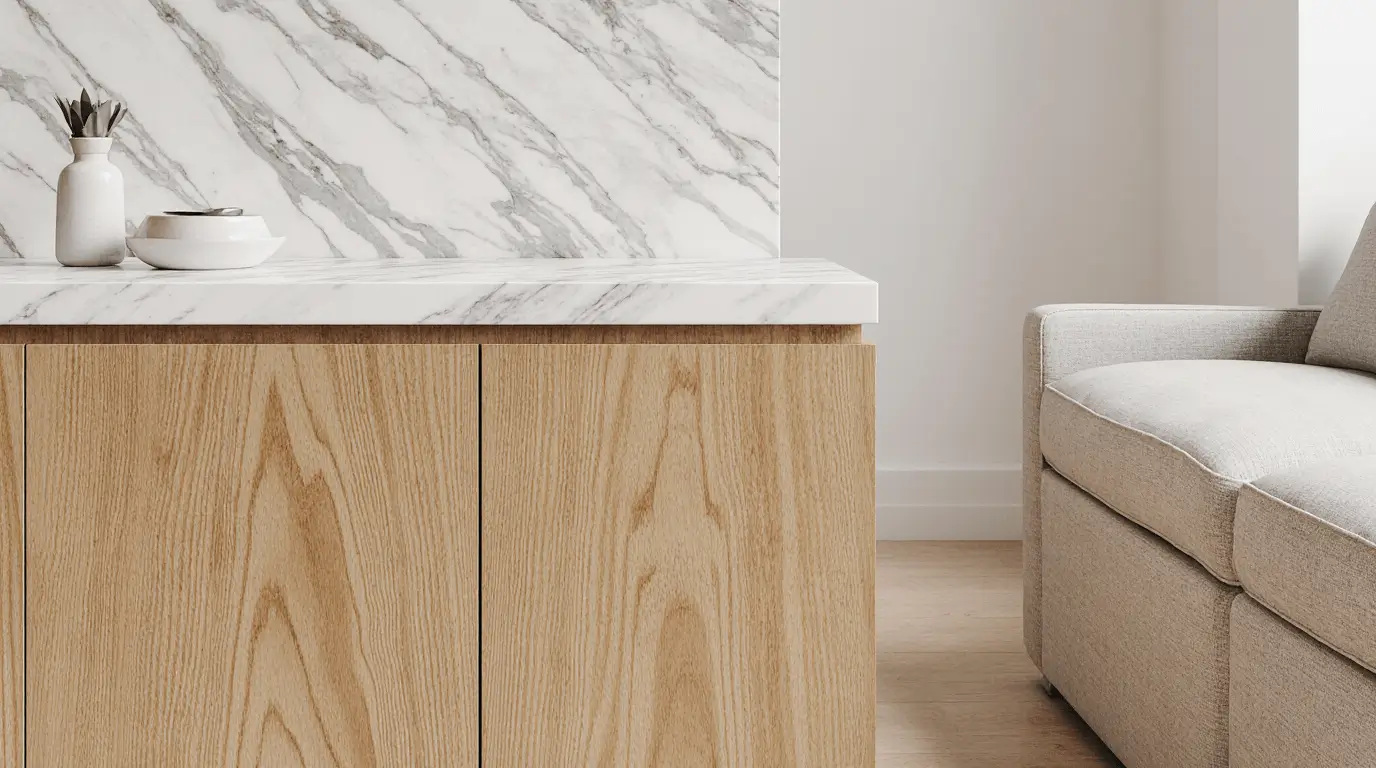
Materials such as wood, marble, concrete, and fabrics can be illustrated using custom brushes and texture overlays. Designers often build layers of shading and highlights to create depth.
Material rendering makes concept sketches more realistic and helps communicate design intent clearly.
Procreate Interior Design Lighting Studies
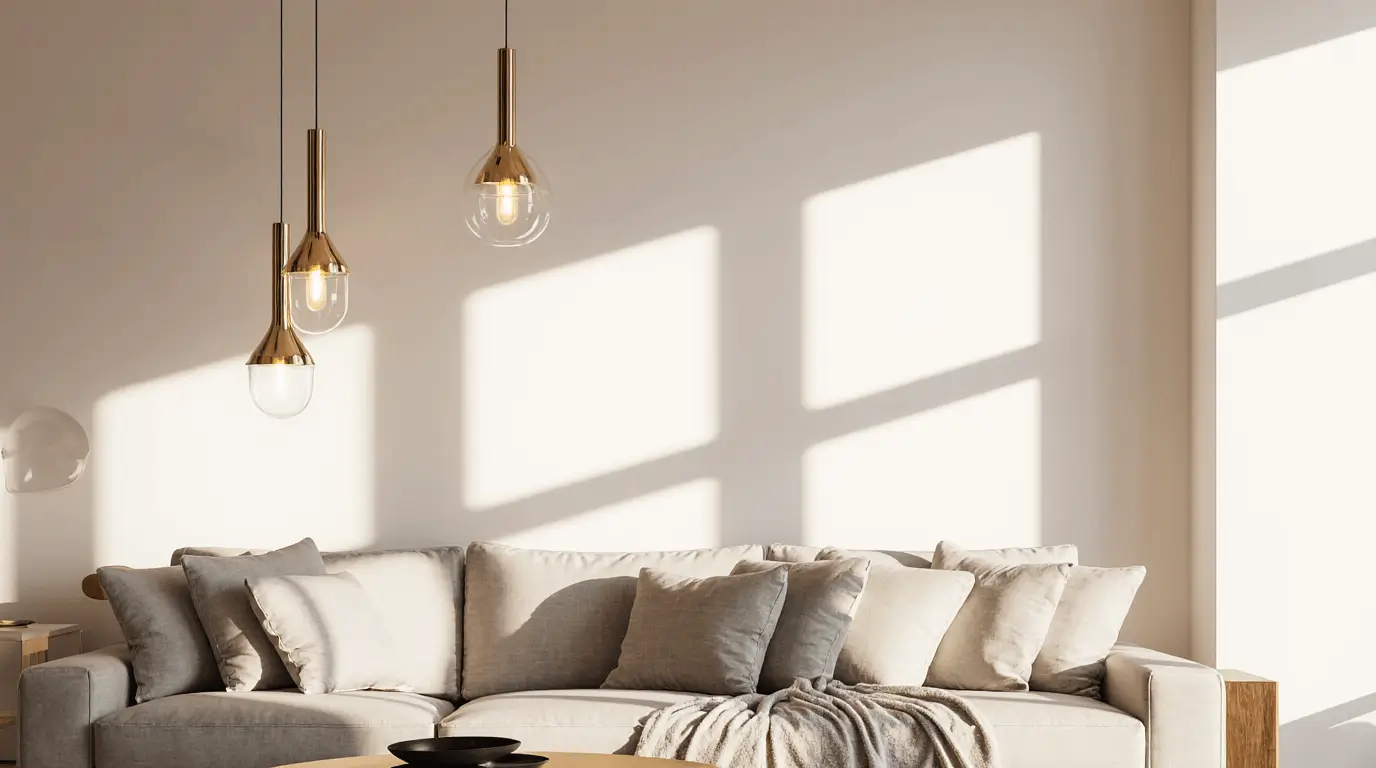
Lighting dramatically changes the perception of a space. Designers frequently use Procreate to test natural light, lamp placement, and shadow effects.
By painting light gradients and soft shadows, designers can simulate daytime or evening ambiance.
Procreate Interior Design Mood Boards
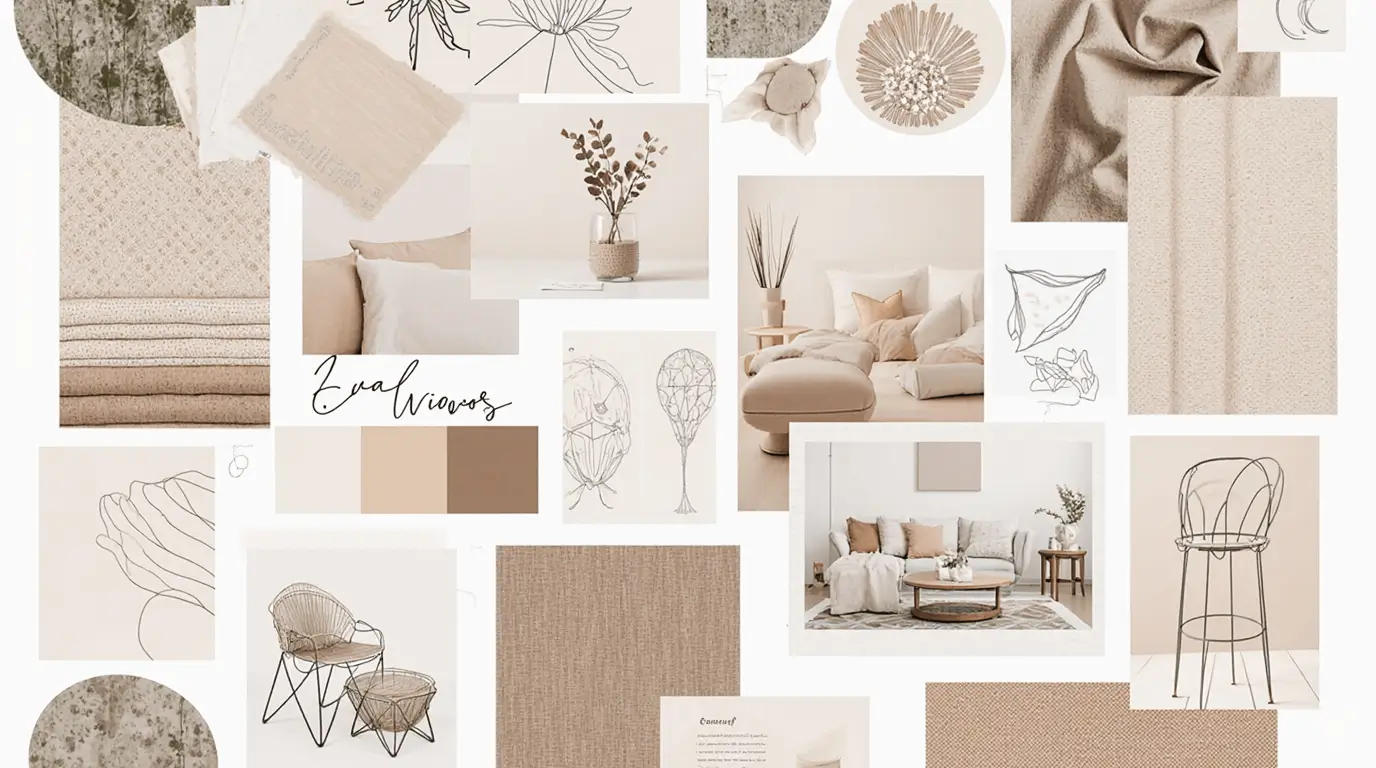
Mood boards combine textures, colors, furniture styles, and lighting references. Procreate allows designers to collage images, sketches, and material samples in a single workspace.
These mood boards help define the design direction before moving to detailed drawings.
Procreate Interior Design Presentation Sketches
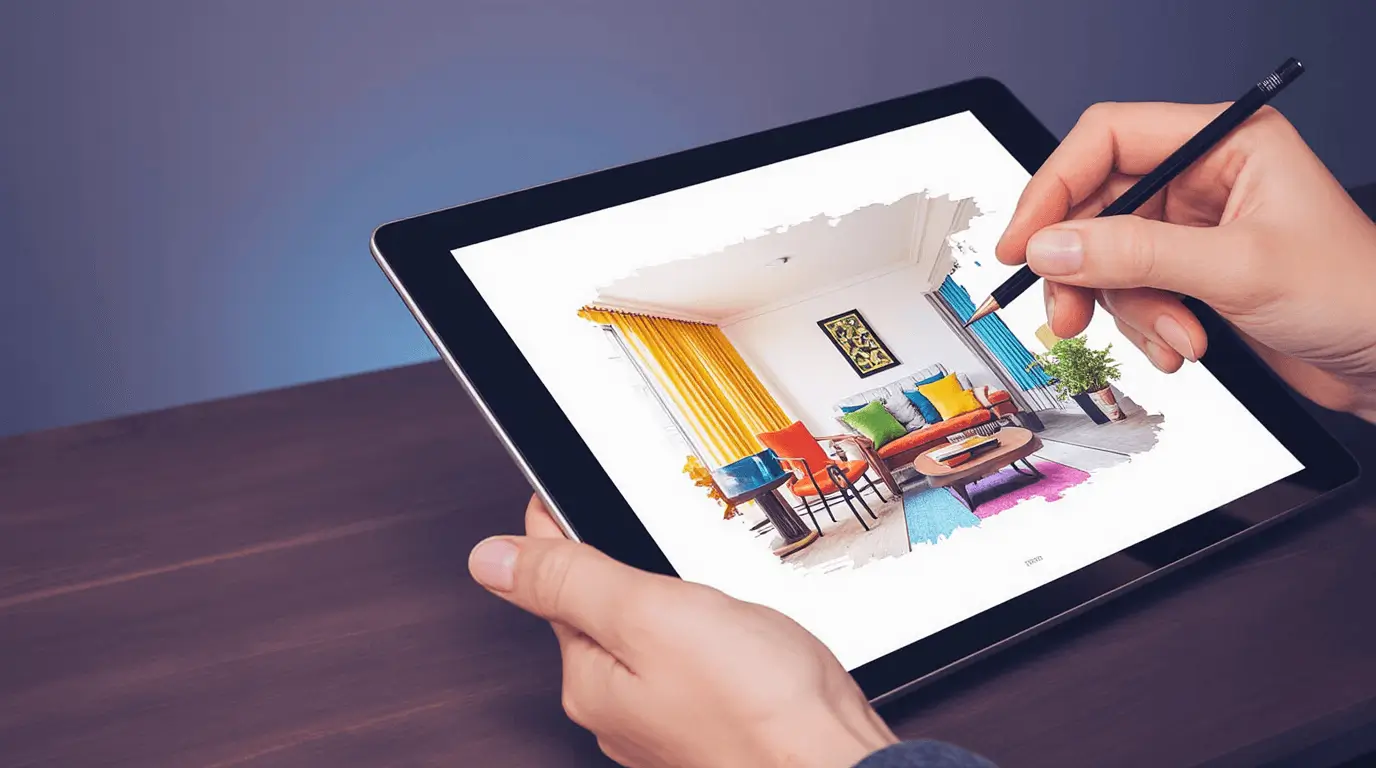
Design presentations often include expressive sketches that communicate ideas quickly. Procreate helps designers create polished visuals for client presentations without complex rendering software.
Hand-drawn digital sketches often feel more approachable and artistic than technical drawings.
Procreate Interior Design Touch-Up Techniques
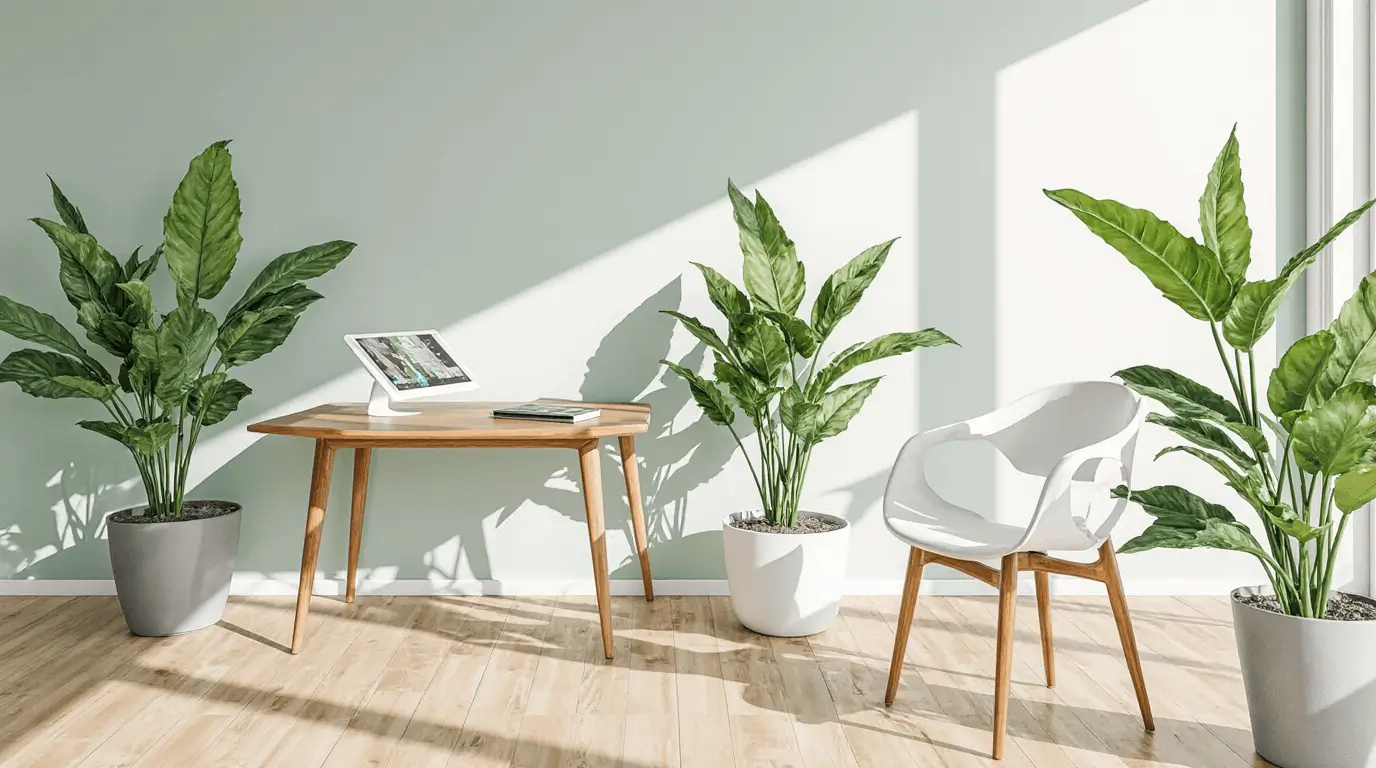
Designers frequently import rendered images or photos into Procreate to enhance them with additional details. This includes adding plants, textures, shadows, or decorative objects.
Touch-ups allow designers to personalize otherwise generic interior visuals.
Procreate Interior Design Workflow for Designers
Many designers integrate Procreate into a larger workflow that includes CAD software, 3D modeling tools, and presentation boards.
Procreate often acts as the creative brainstorming stage where ideas are explored quickly before moving into detailed production drawings.
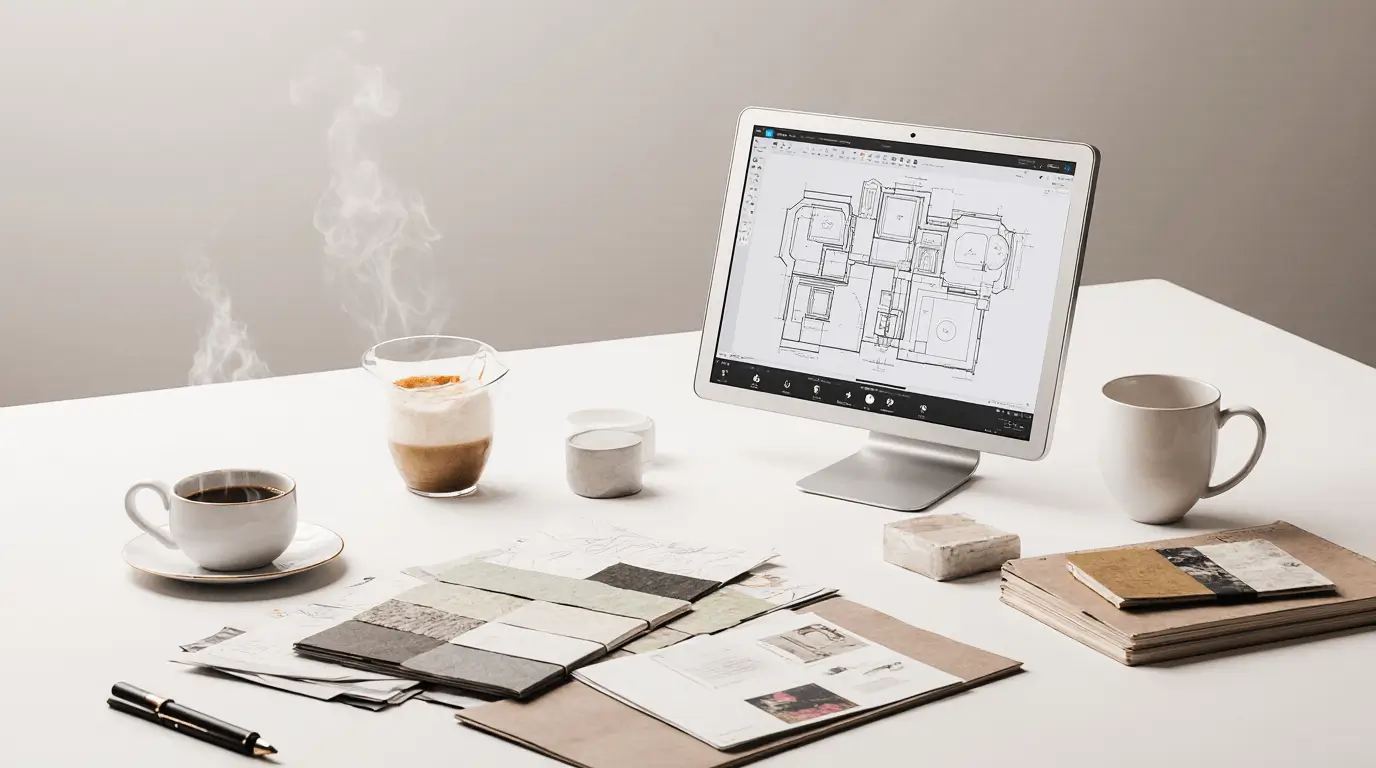
Procreate Interior Design for Furniture Styling
Furniture styling sketches allow designers to explore arrangements of sofas, chairs, side tables, and decorative elements before sourcing items.
Procreate helps designers visualize balance, symmetry, and layering of furnishings in a room.
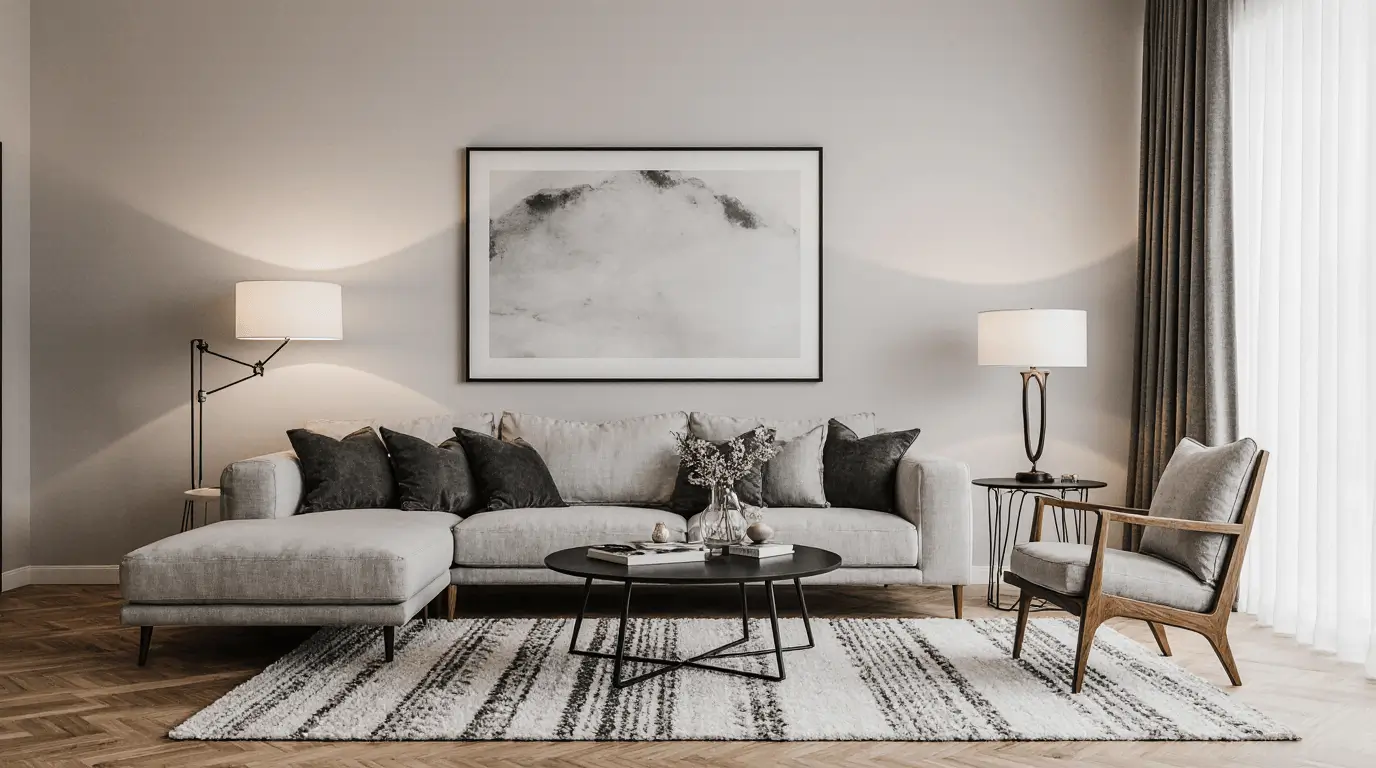
Procreate Interior Design for Students and Beginners
For students learning interior design, Procreate provides an accessible entry point into digital visualization. Its intuitive interface allows beginners to focus on creativity rather than complicated software.
Design students can practice sketching floor plans, furniture layouts, and mood boards while developing their design thinking skills.
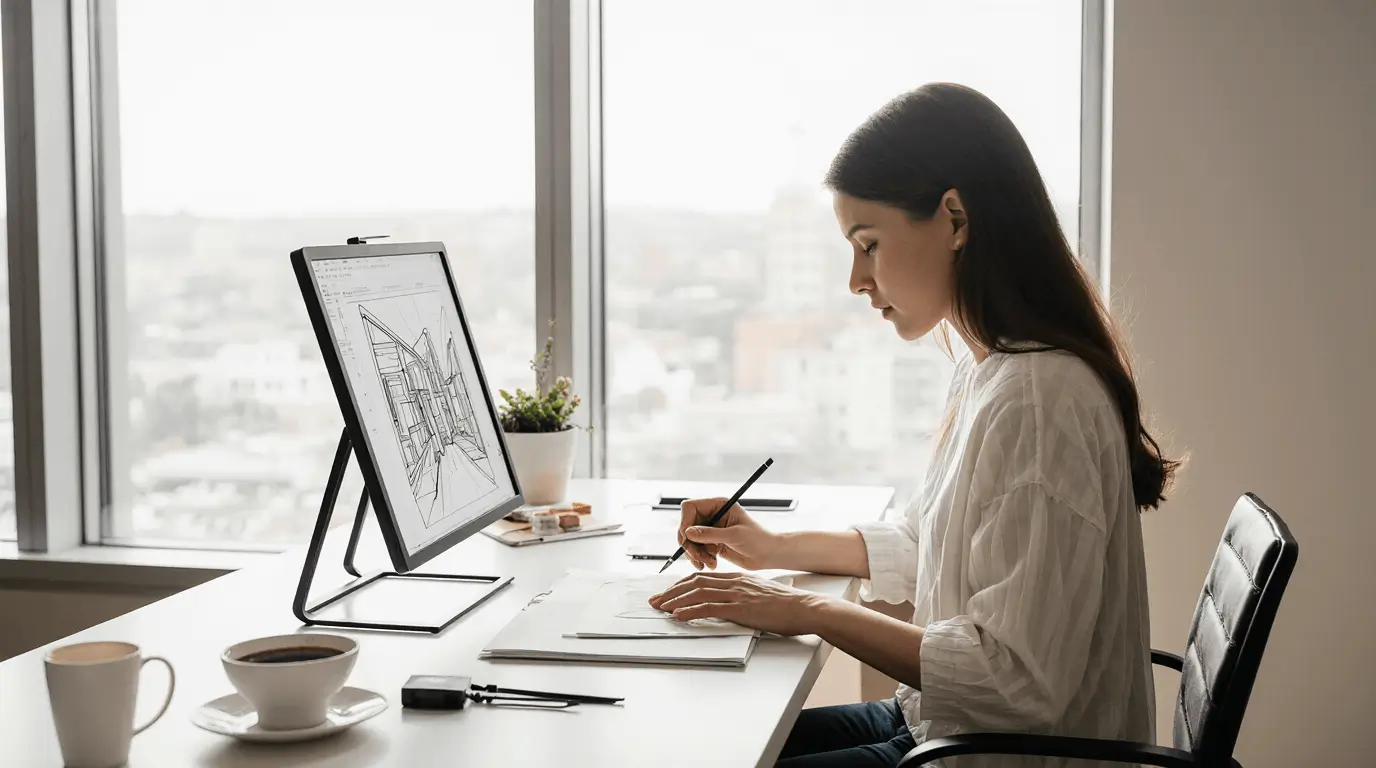
Procreate Interior Design as a Creative Visualization Tool
At its core, Procreate serves as a powerful visualization tool for interior designers who want to combine artistry with practical design planning. From quick sketches to detailed concept illustrations, it bridges the gap between imagination and presentation.
When used effectively, Procreate interior design techniques allow designers to experiment freely, communicate ideas clearly, and bring interior spaces to life before they are ever built.
Conclusion
Designing interiors has always been a balance between imagination and practical planning. Procreate interior design bridges that gap by giving designers a flexible digital canvas where ideas can evolve quickly, visually, and intuitively. Instead of being limited by rigid drafting tools or time-consuming rendering processes, designers can explore layouts, materials, and atmosphere with the same fluidity as traditional hand sketching—while benefiting from the efficiency of digital layers, brushes, and editing tools.
In practice, Procreate becomes most powerful during the early and conceptual stages of design. It allows designers to test furniture arrangements, experiment with color palettes, and visualize lighting conditions before committing to more technical drawings. This freedom encourages creative risk-taking, which often leads to stronger, more thoughtful interior solutions. Designers who incorporate digital sketching into their workflow often find that communication with clients improves as well, since expressive sketches make design ideas easier to understand and discuss.
For students and professionals alike, adopting Procreate interior design techniques is less about replacing traditional methods and more about expanding creative possibilities. When used thoughtfully, it becomes a versatile visualization tool that supports faster ideation, clearer storytelling, and more confident design decisions. By integrating digital sketching into your process, you gain a practical way to turn abstract concepts into tangible interior spaces long before construction or furniture selection begins.
Learn more : Furniture Selection Interior Design: How to Choose Right
Frequently Asked Questions
- Is Procreate suitable for professional interior designers?
Yes, many professional designers use Procreate during the conceptual phase of projects. It is particularly useful for sketching room ideas, exploring furniture layouts, and creating quick presentation visuals. While technical documentation is usually completed in CAD or 3D software, Procreate excels as a creative ideation and visualization tool.
- Can beginners learn interior design sketching using Procreate?
Absolutely. Procreate is known for its intuitive interface, which makes it accessible even for beginners. Design students and new designers can use it to practice floor plan sketches, perspective drawings, and mood boards while developing their understanding of space, materials, and composition.
- What type of device is required for Procreate interior design work?
Procreate runs on the iPad and works best when paired with an Apple Pencil. This combination allows designers to sketch naturally with pressure sensitivity and precise control, closely mimicking the feel of traditional drawing tools.
- How does Procreate help with furniture layout planning?
Designers often sketch furniture directly over a floor plan using layers. This makes it easy to move pieces around, adjust scale, and experiment with different arrangements. The process helps visualize circulation paths and ensures the space feels balanced and functional.
- Can Procreate be used to create interior design presentations?
Yes. Many designers create expressive concept illustrations and annotated sketches in Procreate for client presentations. These visuals help communicate atmosphere, style, and design direction before detailed drawings or 3D models are developed.
- Are special brushes needed for interior design sketches?
While Procreate includes many default brushes, designers often download or create brushes that simulate architectural pens, markers, watercolor washes, or material textures. These tools help represent surfaces like wood, fabric, and stone more realistically in sketches.
- How does Procreate fit into a full interior design workflow?
Procreate is typically used at the beginning of the design process for brainstorming, sketching, and concept exploration. Once the design direction is clear, designers may transition to CAD programs, 3D modeling software, or rendering tools to produce detailed drawings and final presentations.

One Response